Clean · Optimize · Compact
WSL Cleaner
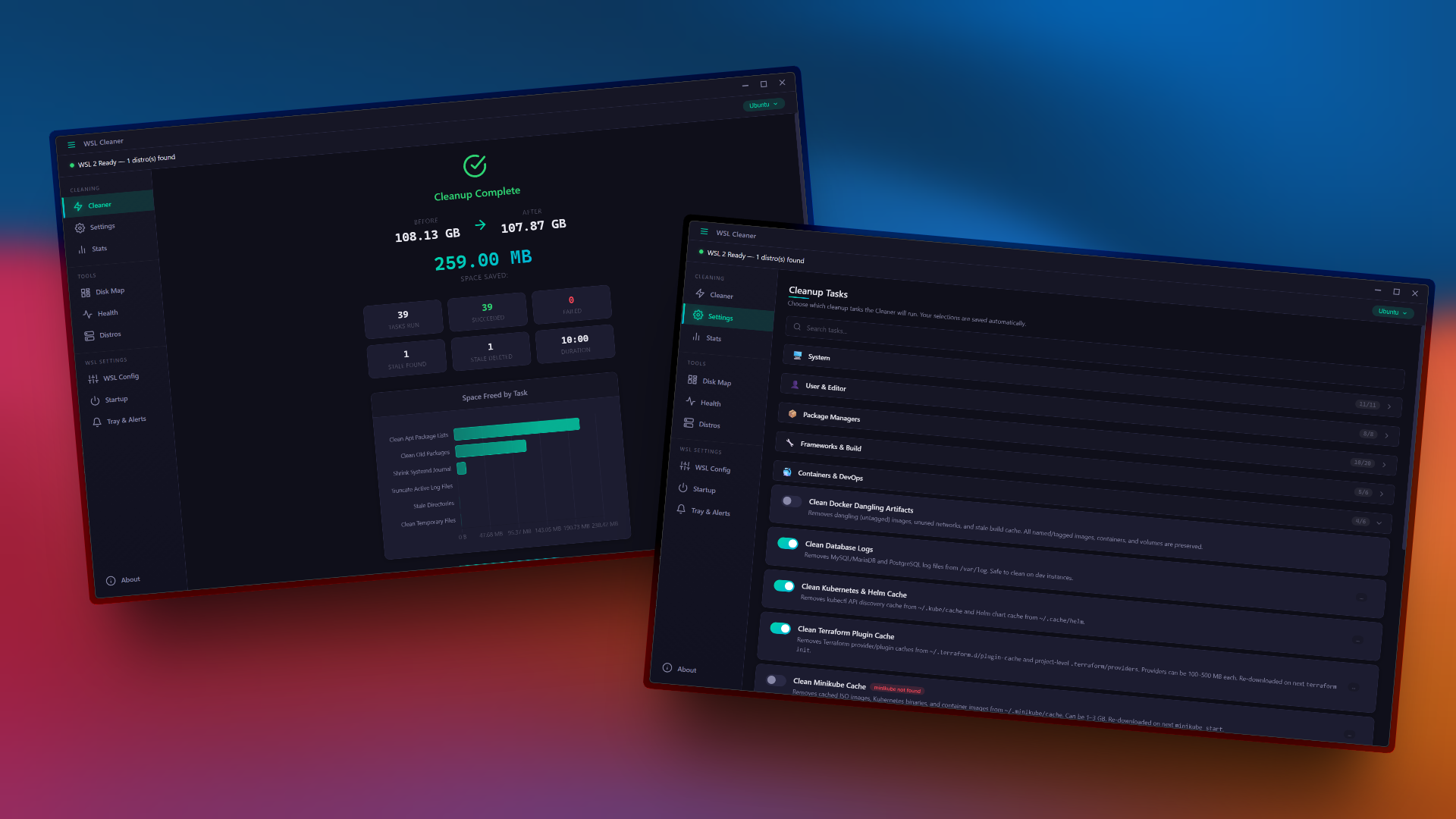
Reclaim 10–100+ GB from your WSL 2 virtual disks.
One click. 60+ cleanup tasks. Real-time monitoring.
Clean · Optimize · Compact
Reclaim 10–100+ GB from your WSL 2 virtual disks.
One click. 60+ cleanup tasks. Real-time monitoring.
Everything you need to manage, monitor, and optimize your WSL 2 environment.
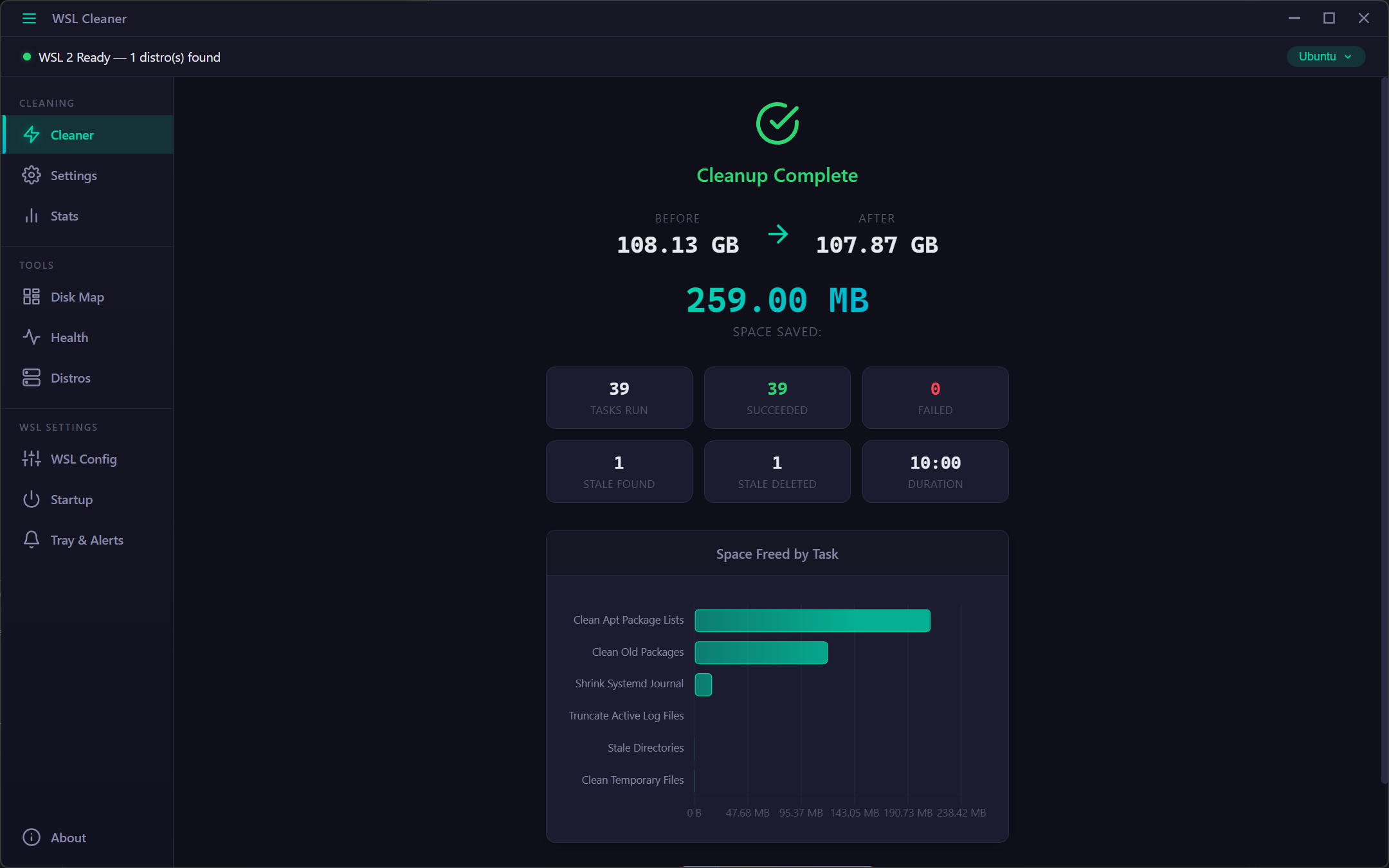
One-click Clean & Compact runs all enabled tasks, trims the filesystem, and compacts your VHDX. Watch progress in real time with a live timer and see before/after disk size comparison.
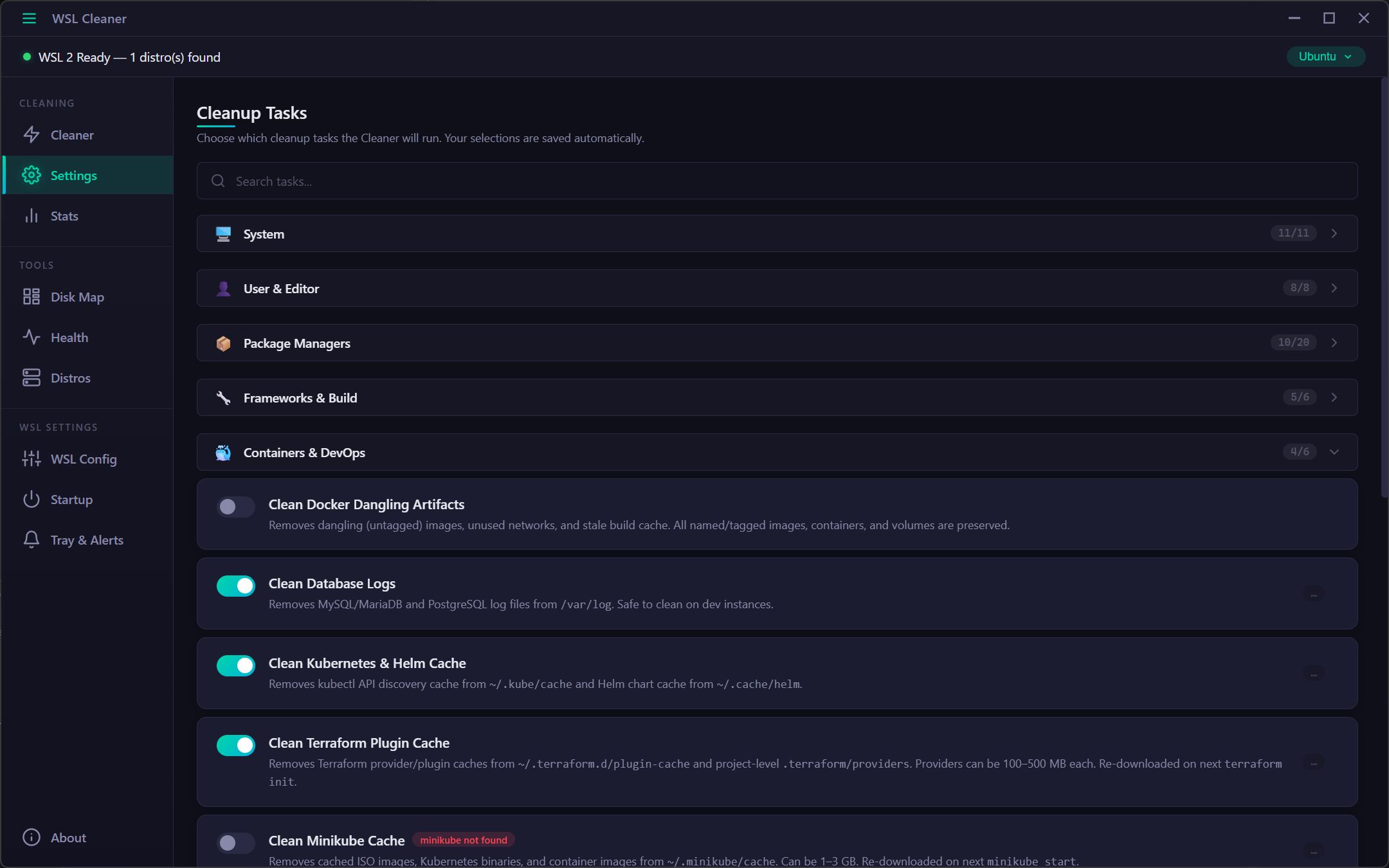
Full control over 60+ cleanup tasks organized into categories. Each task shows what it does and estimated reclaimable space. Auto-detects installed tools and only shows relevant tasks.
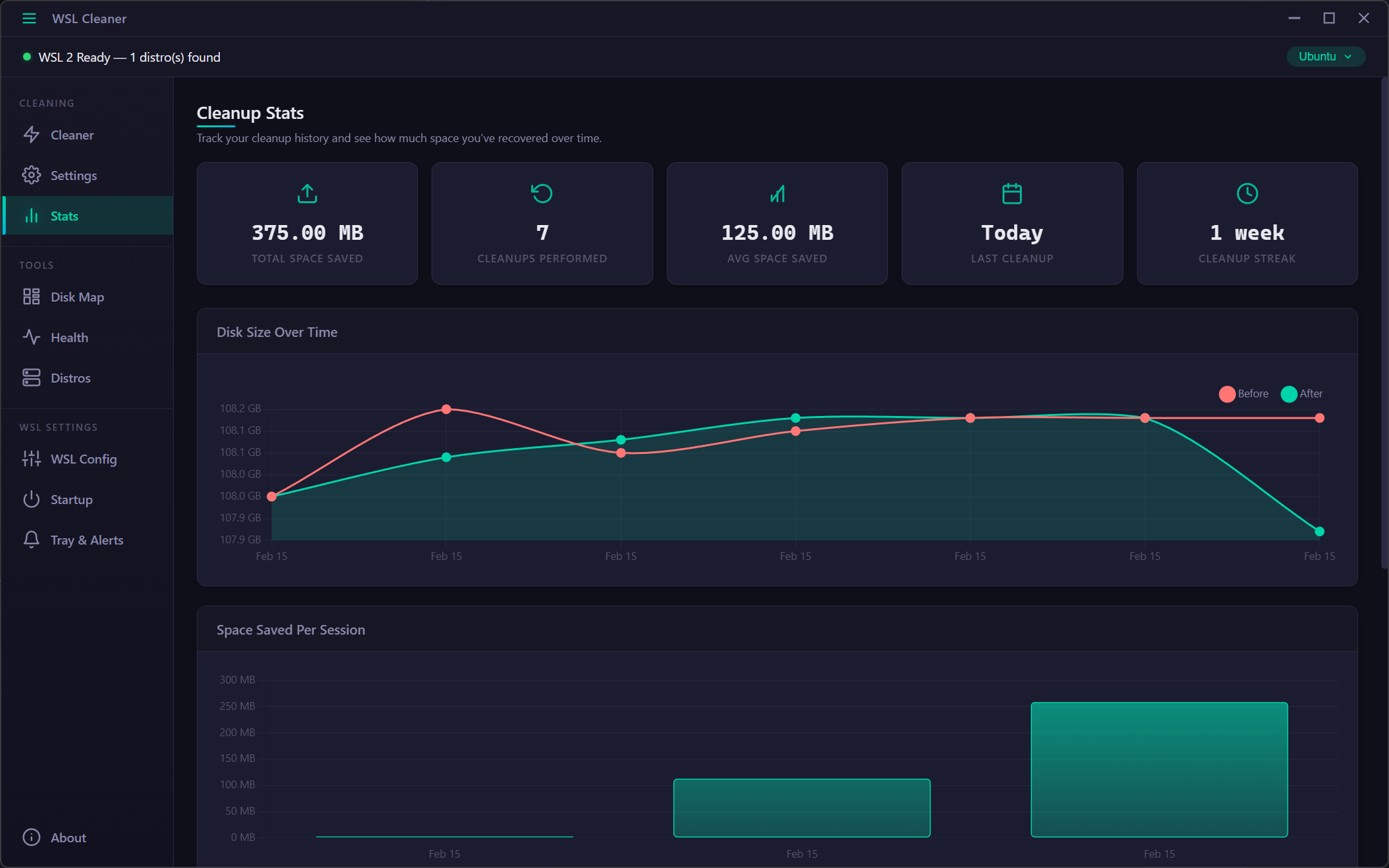
Track your cleanup history with interactive charts. See total space saved, average per session, your cleanup streak, and detailed breakdowns over time.
WinDirStat-style interactive treemap showing exactly what consumes space inside WSL. Click to drill down into directories, hover for details, and navigate with breadcrumbs.
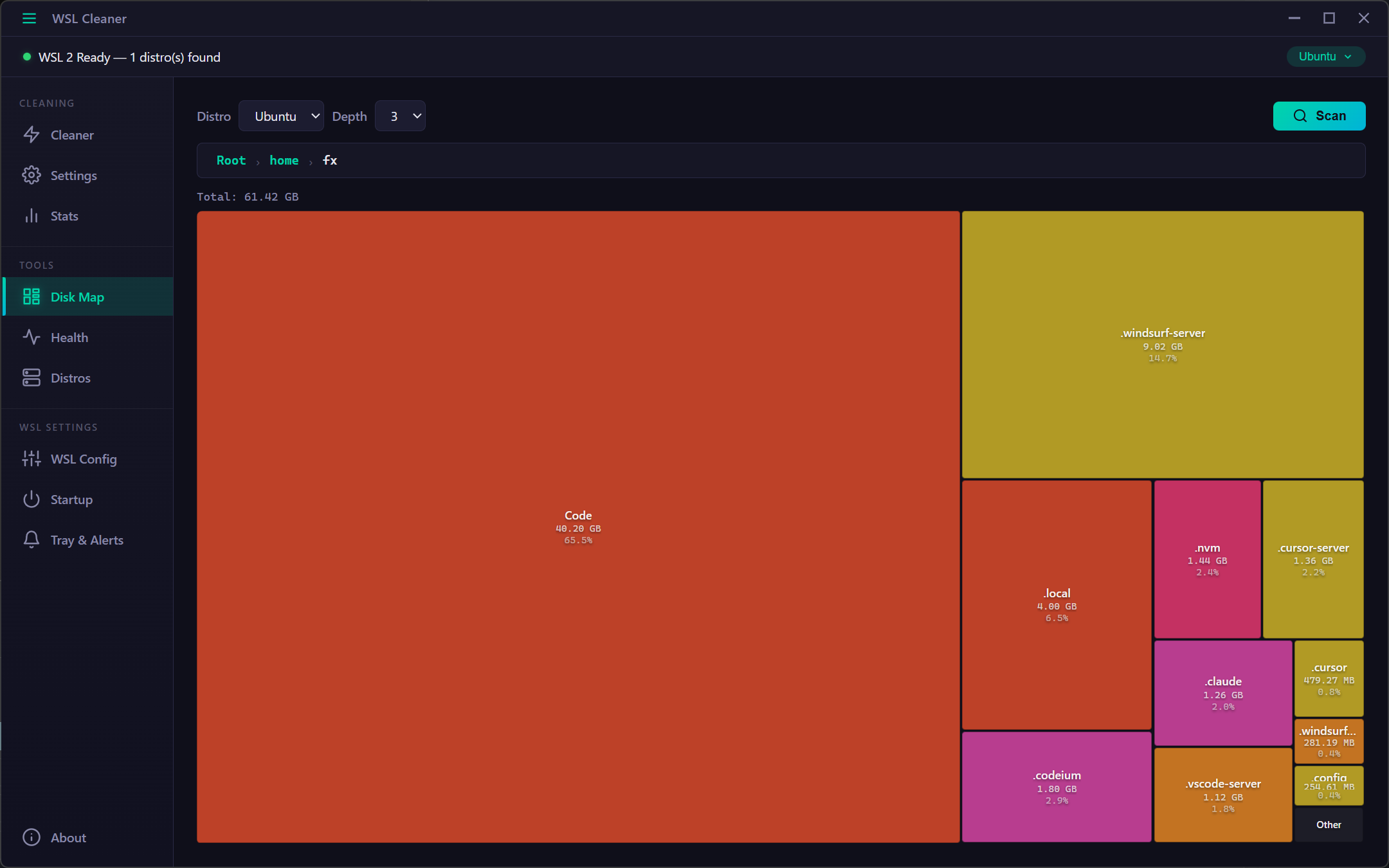
Real-time system dashboard monitoring CPU, memory, disk, networking, processes, and services. Auto-refreshes every 10 seconds with visual progress bars and detailed metrics.
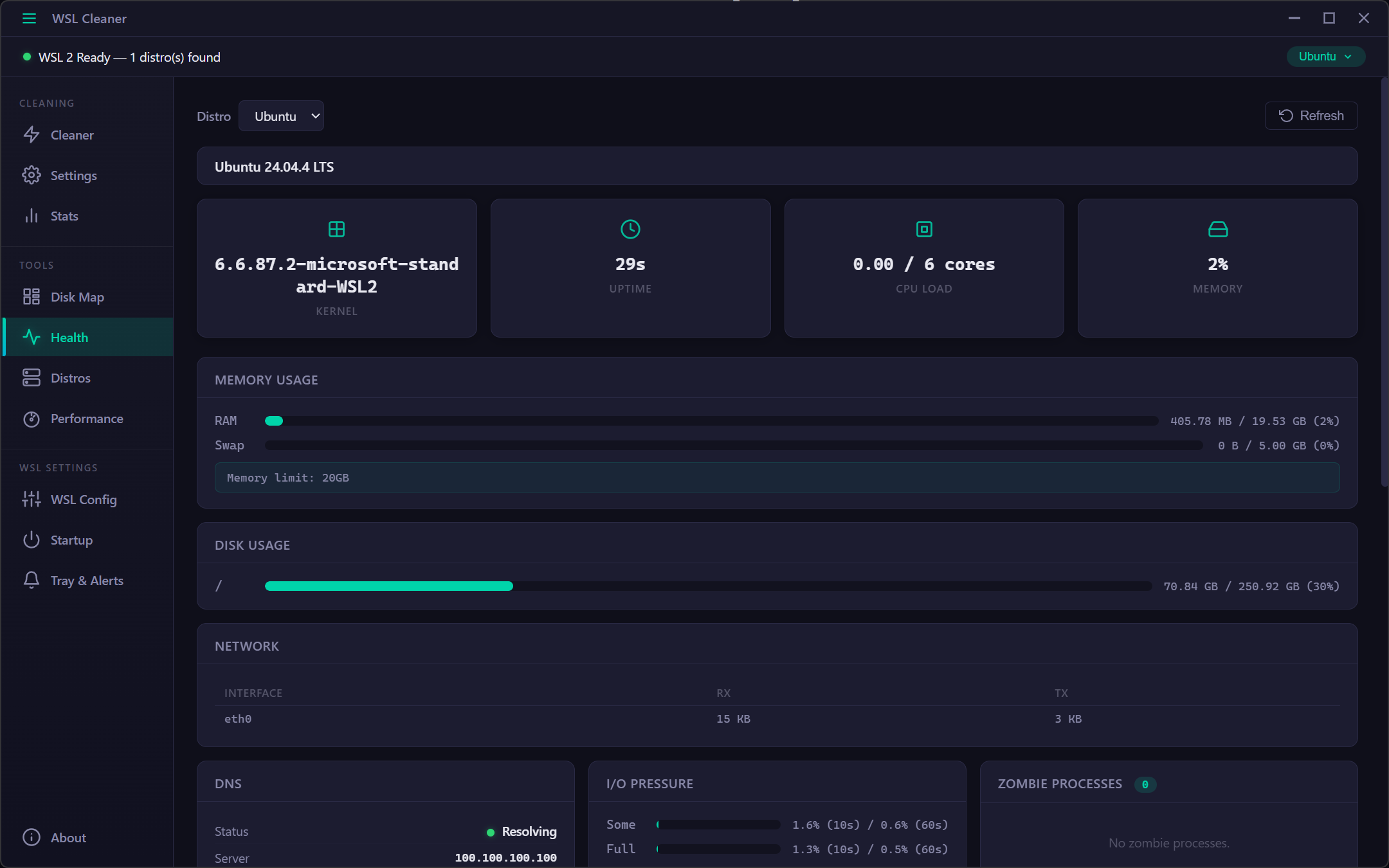
Manage all WSL distributions from one panel. Compare VHDX sizes, package counts, and uptime at a glance. Export, import, clone, restart, and migrate distros with a single click.
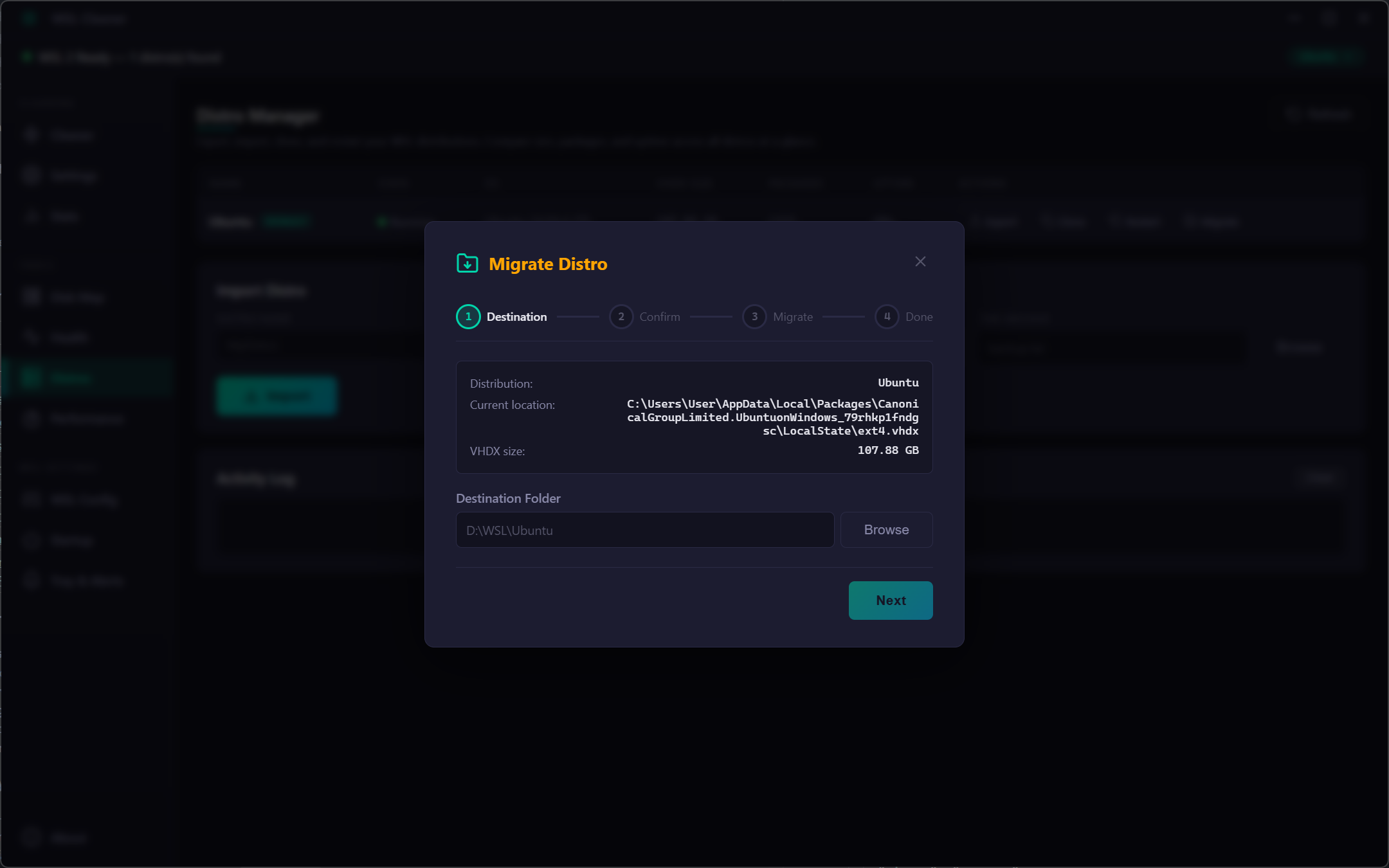
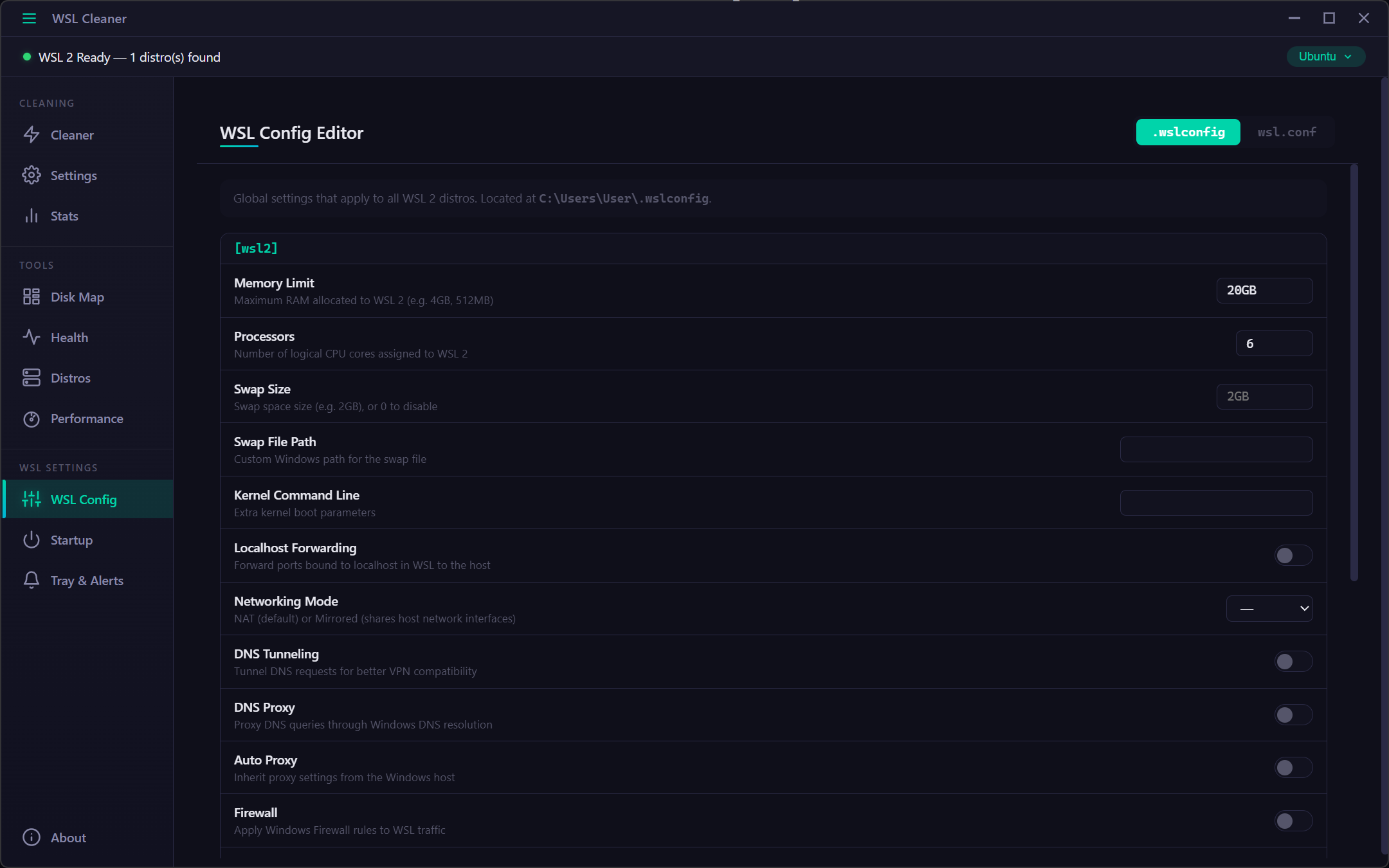
GUI editor for .wslconfig (global) and per-distro wsl.conf. One-click optimize button fills recommended values based on your hardware. Auto-backup before every save.
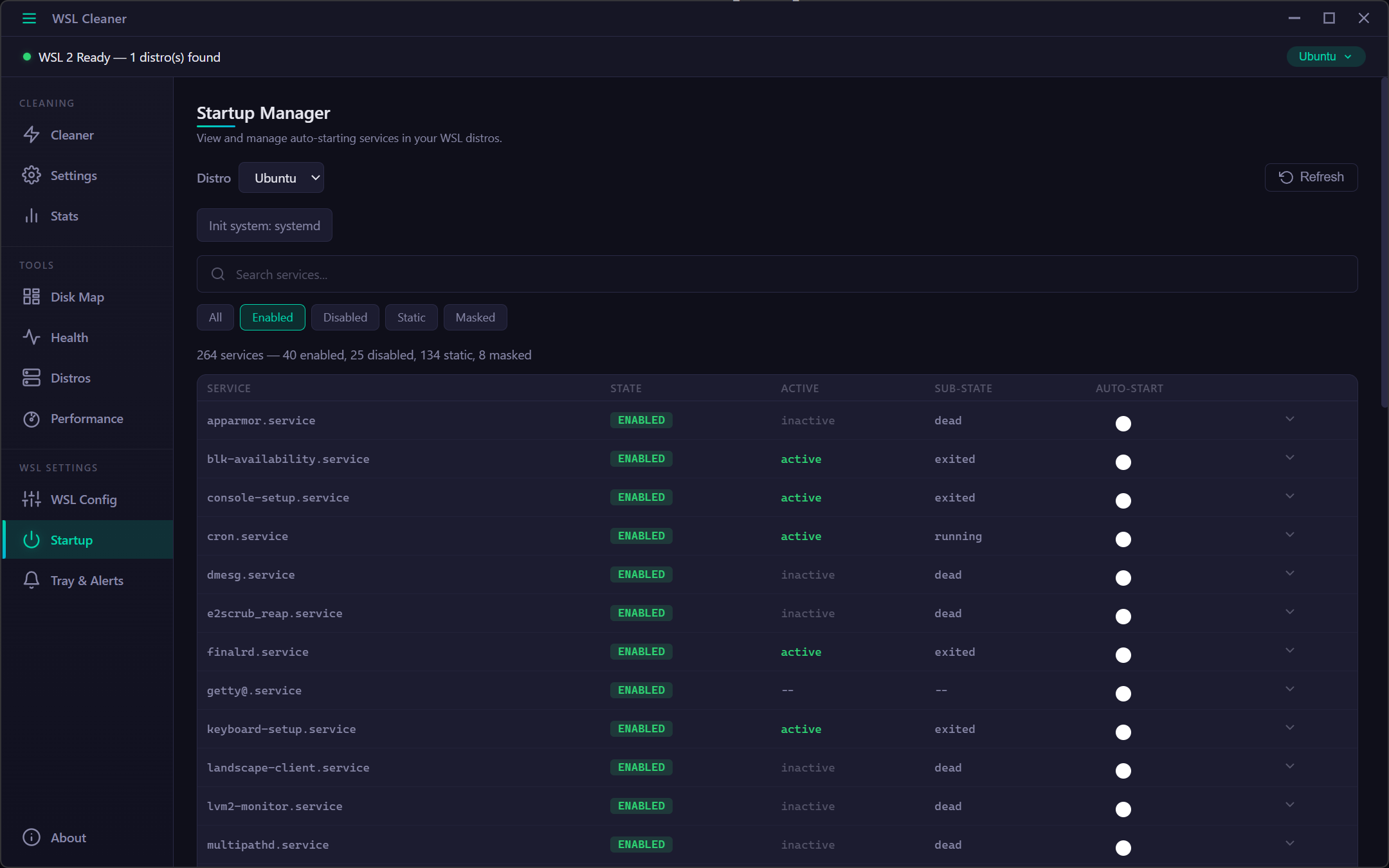
View and manage systemd services from a clean interface. Enable or disable services, search and filter by state, and expand details to see dependencies and PID info.
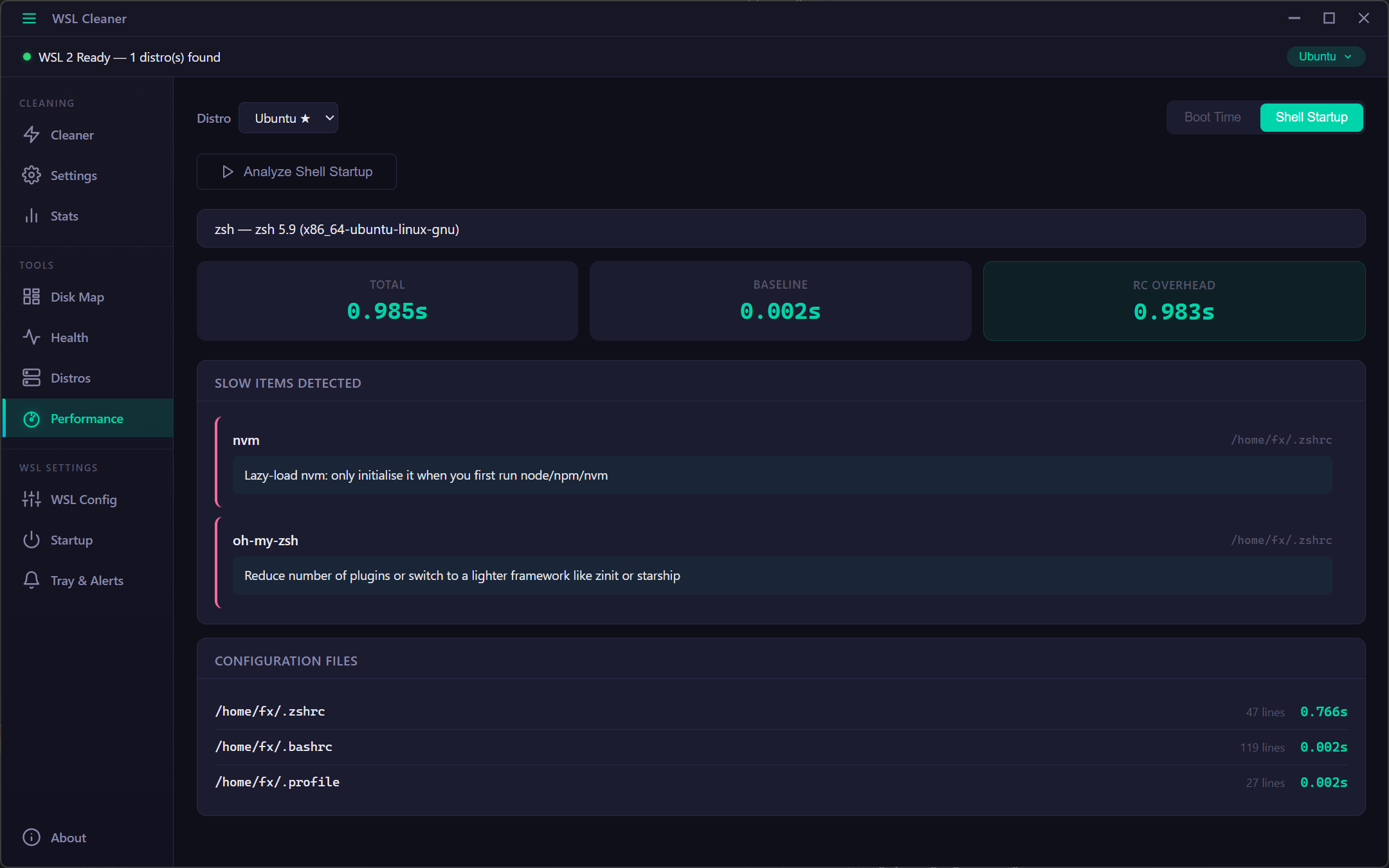
Benchmark WSL startup time and profile your shell configuration to identify performance bottlenecks. Get actionable suggestions to speed up boot and shell startup.
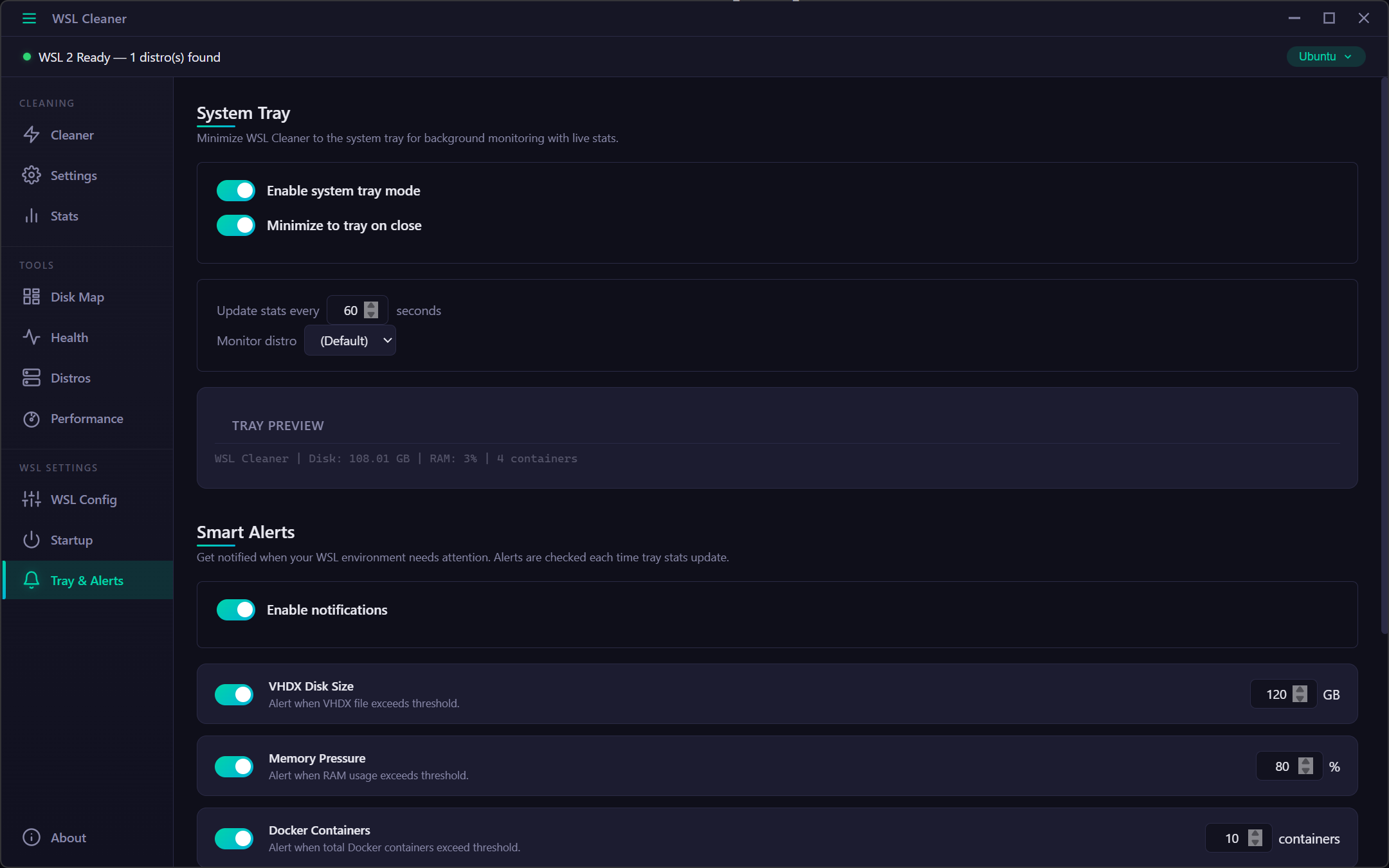
Background monitoring via system tray with a live tooltip showing disk size, RAM usage, and Docker stats. Six configurable alert types with customizable thresholds and smart notifications.
Free, open source, and built for developers.
Download for WindowsRequires Windows 10/11 with WSL 2 and Hyper-V enabled